The Razer Phone 2 shows it’s what’s inside that counts
Razer doesn't care about your thin bezels
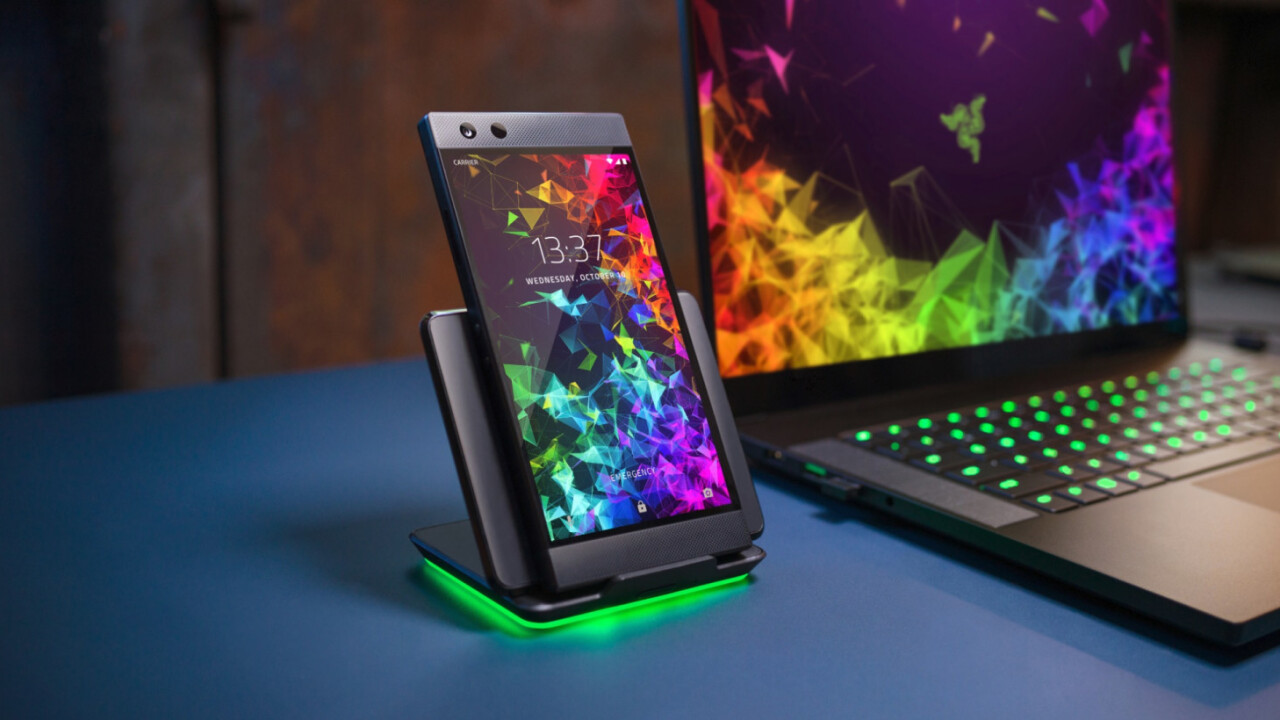
Razer’s first smartphone was one of the more unique devices last year. Bucking the trend of tiny bezels and curvy lines, Razer built a beastly, boxy device with giant speakers, a massive battery, and the first 120hz display in a smartphone.
But it had its fair share of issues too. The camera was underwhelming and lacked optical image stabilization (OIS). The LCD panel was fast but not particularly great otherwise. And the phone missed features available on other flagships like wireless charging and waterproofing.
The Razer Phone 2 looks nearly identical to its predecessor from the front, leading me to think it was a basic spec bump when the leaks first hit the web. But it actually represents a major re-engineering that both improves its gaming cred and makes it more competitive against mainstream phones.
Of course, this is a phone marketed power users, so let’s take a look at some specs:
- 5.72-inch IGZO LCD
- 2560×1440 resolution
- 120hz refresh rate
- Gorilla Glass 5 front and rear
- Wireless charging
- Snapdragon 845
- 8 GB RAM
- 64GB Storage
- Vapor Chamber cooling
- MicroSD support
- 4,000 mAh battery
- 12MP F1.75 primary camera with OIS
- 12MP F2.6 telephoto with OIS
- 8MP F2.0 front camera
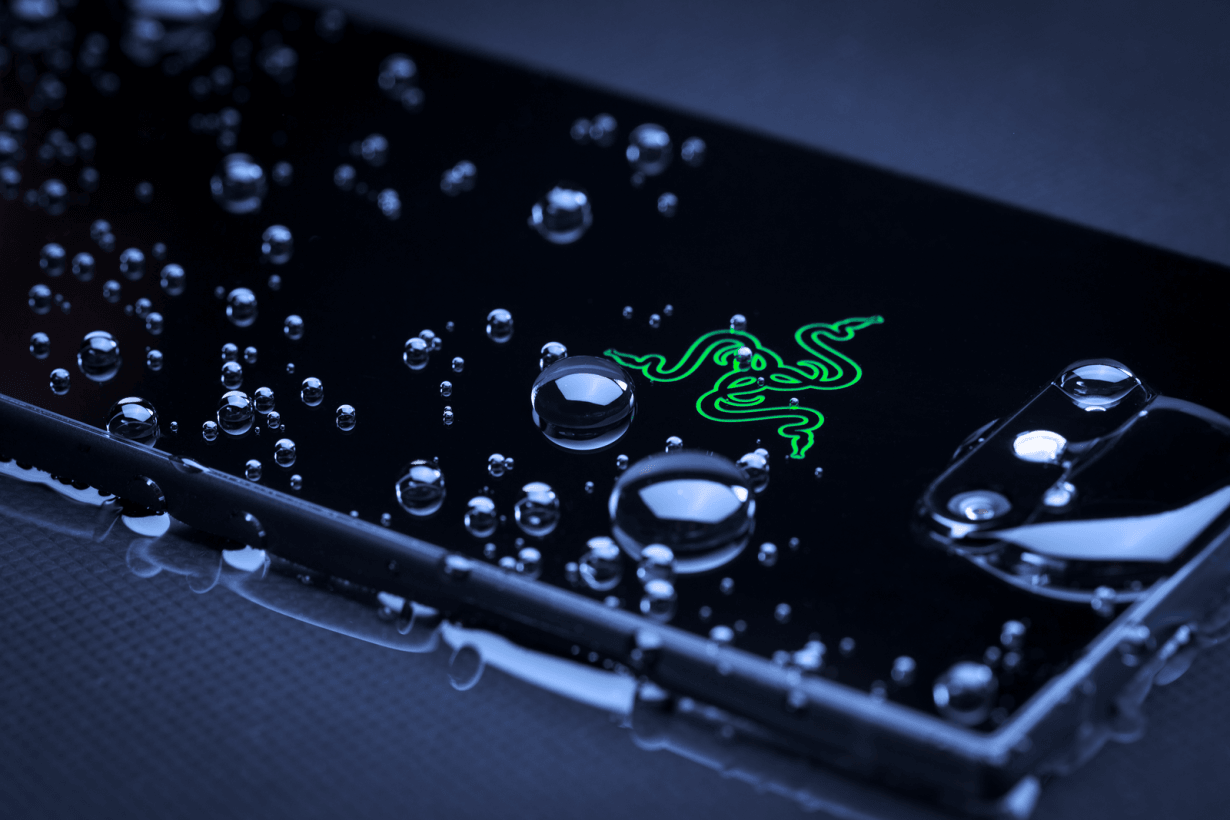
- IP67 weather-proof
- QuickCharge 4.0+
- Dolby Atmos-enabled front-facing stereo speakers
- No headphone jack, but the dongle includes a 24-bit DAC
- RGB logo
I actually quite liked the original Razer Phone’s design, so I don’t mind the return of the boxy aesthetic. I’m going to miss the aluminum on the rear, but understand that’s a necessary concession for increasingly popular wireless charging. Plus, I dig the new light-up logo, which will satisfy that itch for RGB lighting on a gaming device. It’s functional too though – it doubles as a notification LED, matching its color to the respective app’s logo. It can also sync up with the new Chroma charging stand.
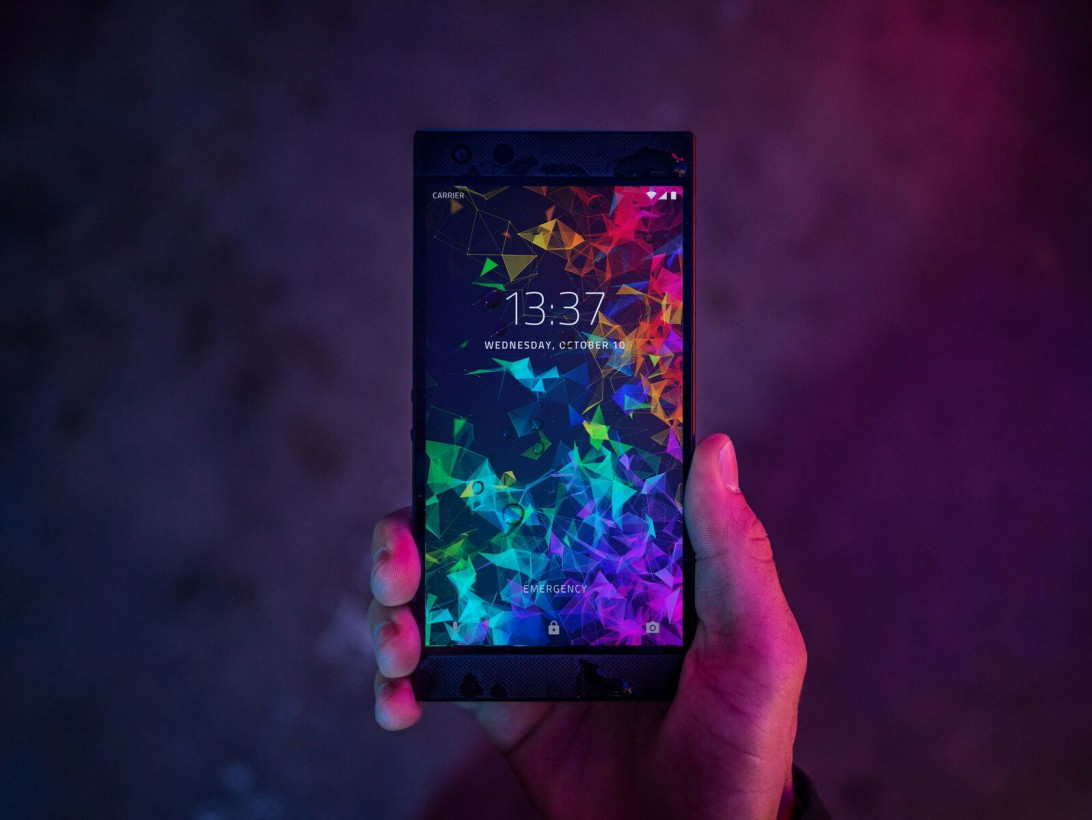
One of the first things I noticed when I picked up the device was the new screen. It looks much more accurate and vibrant – enough that I think most people won’t miss having an OLED panel.
You won’t get those OLED inky blacks, but Razer makes up for this to some degree with brightness – the panel is 50 percent brighter, reaching over 600 nits. I watched some HDR content on the phone and appreciated the improves contrast and how well the LCD panel maintained details in the shadows – an area many OLED panels tend to suffer (looking at you, Pixel 2 XL).
And of course, that 120hz refresh rate is awesome. Going back to my Pixel 2 felt like using my phone in slow motion. I really wish more phones would improve their refresh rates too.
Meanwhile, Razer’s speakers are even better than before, and still the best I’ve heard on any smartphone . That the company managed to introduce waterproofing while maintaining those grilles is pretty remarkable, and the stereo separation afforded by Atmos makes videos and games much more immersive. Razer says it’s the only smartphone Netflix has certified for both HDR and Dolby 5.1 content.
Razer says it’s spent a lot of effort improving the cameras. It’s using Sony IMX sensors now, which are consistently the best on the market. Perhaps more importantly Razer has improved things on the software side with a significantly revamped HDR algorithm and an easier interface.
While it’s specs are impressive, the Razer Phone 2 doesn’t outclass all the competition – both the OnePlus 6 and Galaxy Note9 also have a Snapdragon 845 and 8 GB of RAM in certain configurations, and they both offer more storage than the Razer Phone’s minimal 64GB. But Razer promises to outperform the competition thanks to its own optimization and a new cooling system.
Specifically, the Razer Phone 2 introduces a massive vapor cooling chamber to run smooth at extended high loads. While other phone may offer similar performance for brief stints, they have a tendency to heat up real fast. Thermal throttling kicks in and suddenly your flagship phone doesn’t seem like that good of a gaming machine. Not so on the Razer Phone 2, apparently.
I think there’s a lot to like here. I appreciate that Razer purposefully isn’t trying to be like other flagships. It’s not as if Razer doesn’t have the resources to build a thin, curvy phone with small bezels, it just chooses not to because they help with sound and comfort. I still have some questions (does performance hold up to claims? Is the camera up to par?), but for now, the phone is interesting by virtue of being like nothing else in the market.
The Razer Phone 2 will retail for $799, while a special edition ‘Satin Black’ model will go for $899.Pre-orders begin in a few hours, on October 11 at 12:01 AM PT.
Comments
Post a Comment